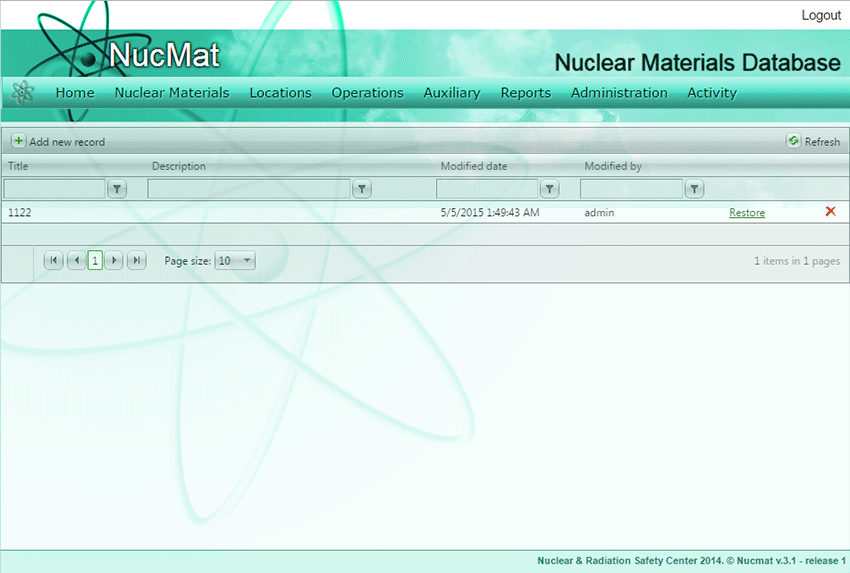
To backup the NUCMAT database the user should open Backup / Restore window from the Admin submenu and use Add new record command (see Fig. 9.2).
Then the user should specify:
·backup title,
·description - free format field for user purposes.
Fig.9.2. Backup window
To complete the database backup the user should click on the Update button.
To restore NUCMAT database from earlier backups the user should use the Backup/Restore command from the Admin submenu. Then user should select the appropriate backup from backup list then click on the Restore button.