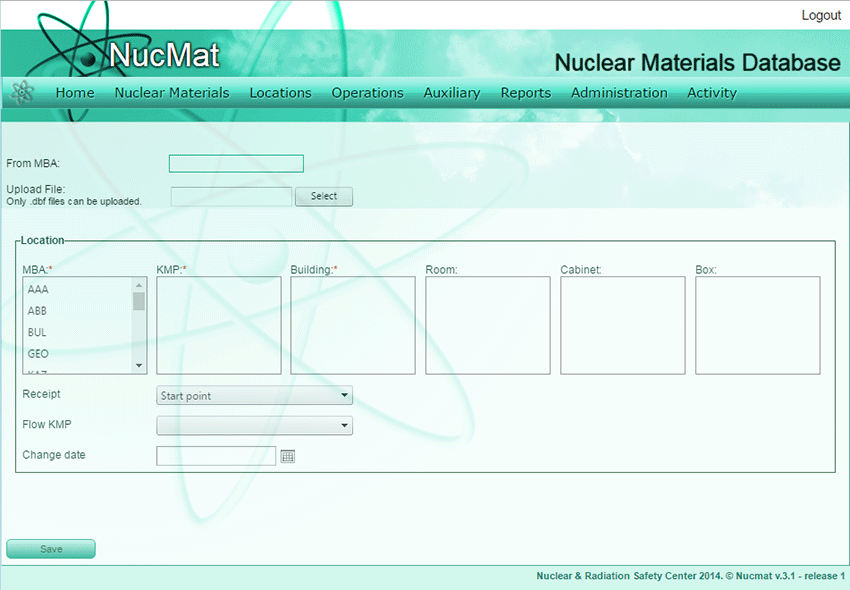
To create initial inventory or receipt nuclear materials from file the user should use the Import command from the Admin submenu. The user should specify:
·MBA from which nuclear materials are received,
·Path to the file from which information should be read,
·Inventory change code,
·Flow KMP,
·Date of import.
Fig. 9.3. Import of nuclear materials from file
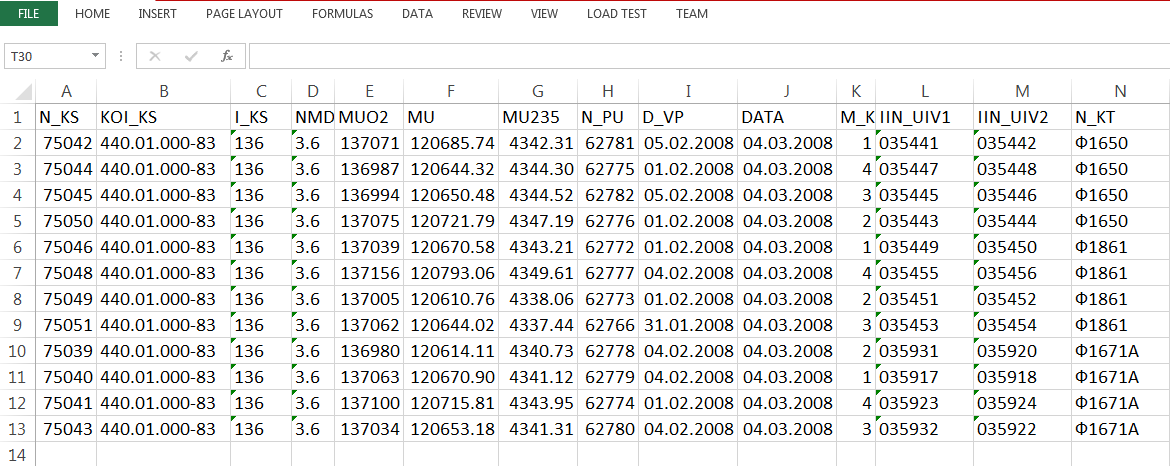
NUCMAT currently supports external files with dbf format with following structure.
However, it can be tailored to meet in user-desired format.
Export/Import MBA
To facilitate automatic exchange of nuclear material accounting data between Facility/LOF and State levels NUCMAT allows transferring up-to-date information from Facility/LOF to State office in charge for nuclear material accounting for via corresponding Export /Import MBA functions.
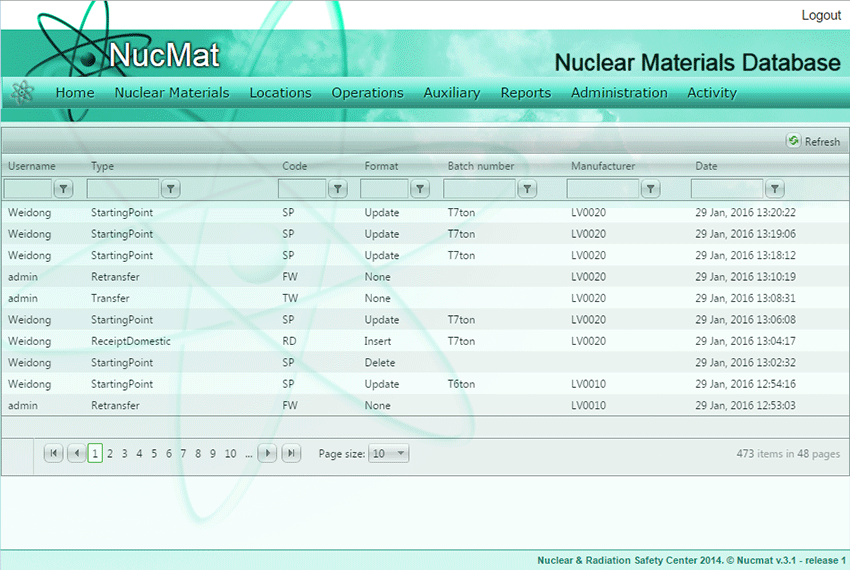
View the Activity Log (Activity Logs)
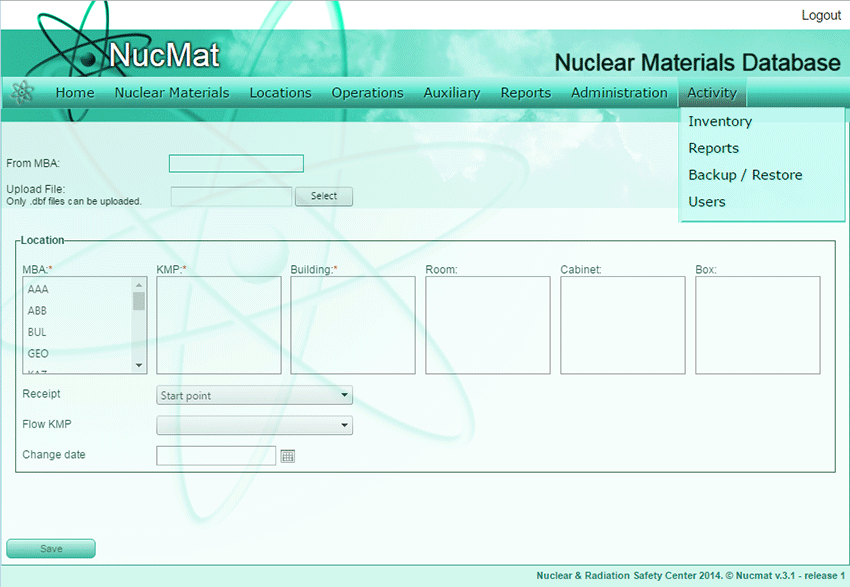
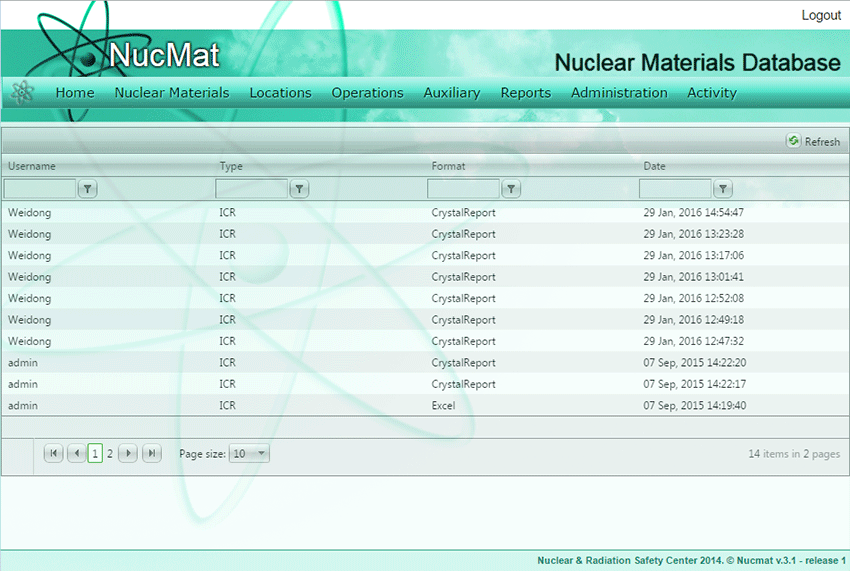
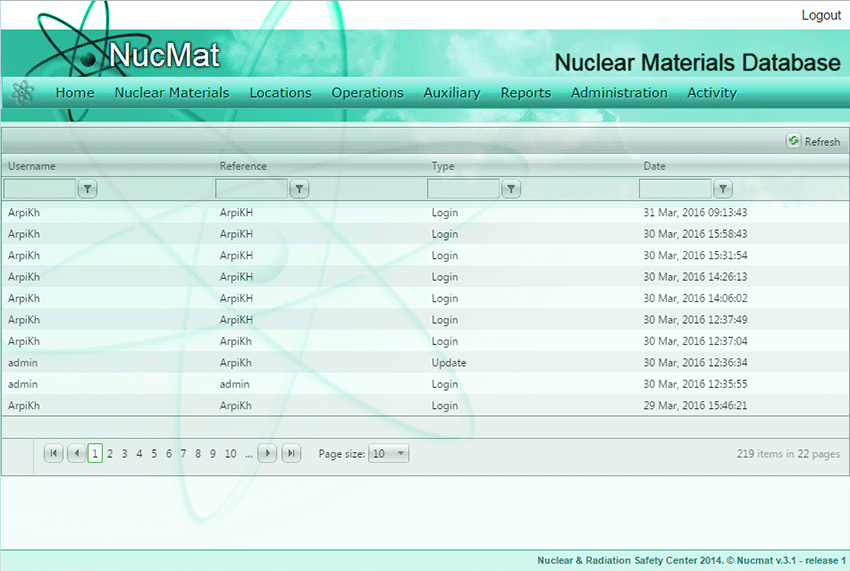
NUCMAT allows you to view all activities (see Fig. 9.4-9.7) which lead to:
·changes in inventory of nuclear material,
·generation of the final report directed to the regulatory body and/or to IAEA,