The user should have administrative rights to manage the user rights. In the NUCMAT v3.1 a user could have the following rights:
· full rights (administrator),
·read-write,
·read only.
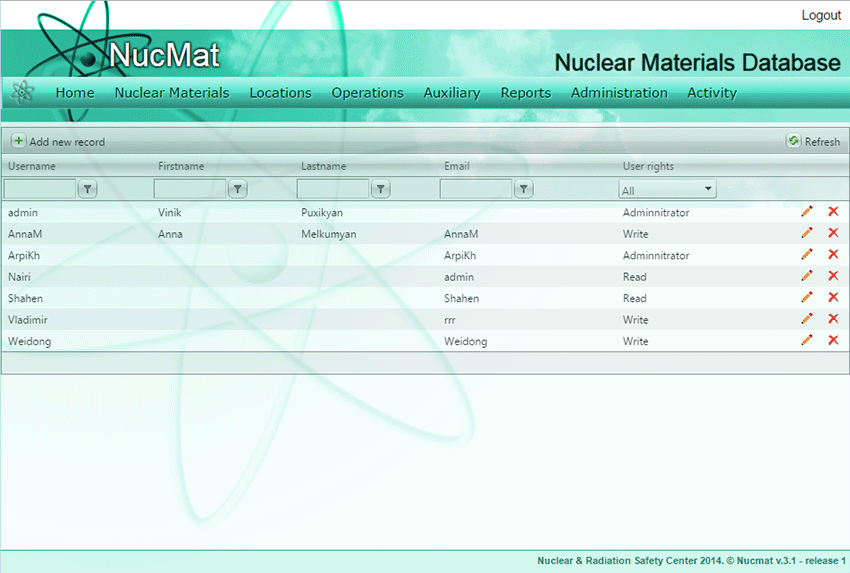
To manage the user rights the user should use the Users List command from the Admin submenu that is available only the user that have the administrative rights. To edit the user rights the user should click on the Edit button then modify appropriate fields (see Fig. 9.1).
Fig. 9.1. User rights management
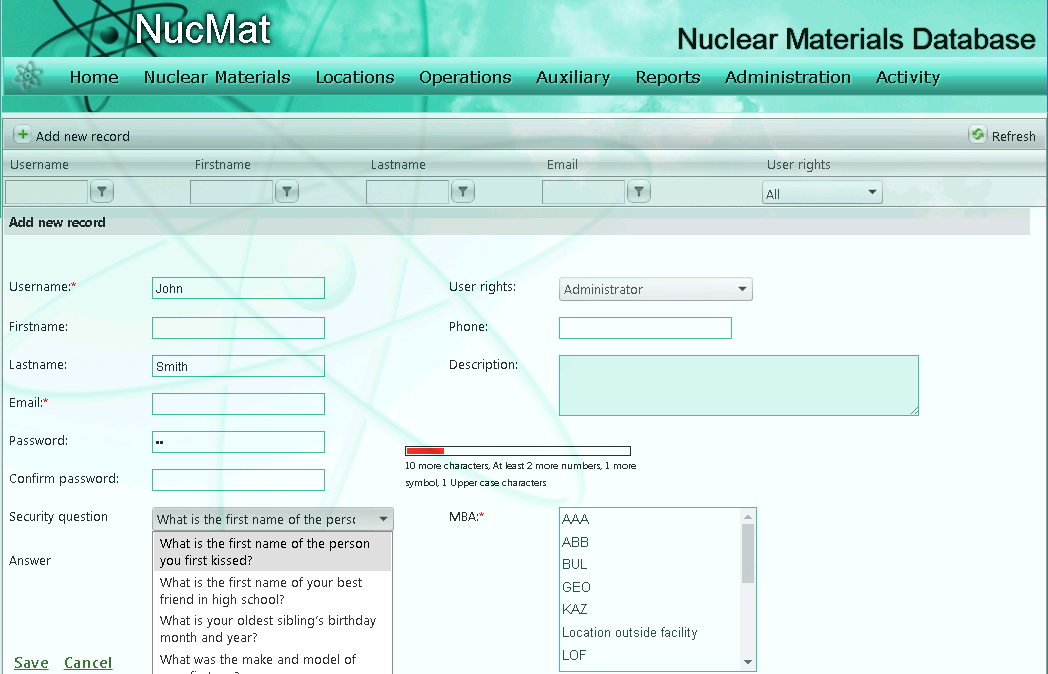
To delete a user from the user list the user should click on Delete button. To add a new user the user should click Add new record button and fill appropriate fields.
Password strength control: NUCMAT automatically checks the strength of user assigned password to contain at least 12 characters including:
at least 2 numbers
at least 2 symbols
at least 1 Upper case character.
In case of failure to meet above-mentioned criteria, NUCMAT prompts user to modify password accordingly
Limited access to the whole database:
For each user should be specified MBA(s) to which his/her access is formally granted.
Protection against external attack
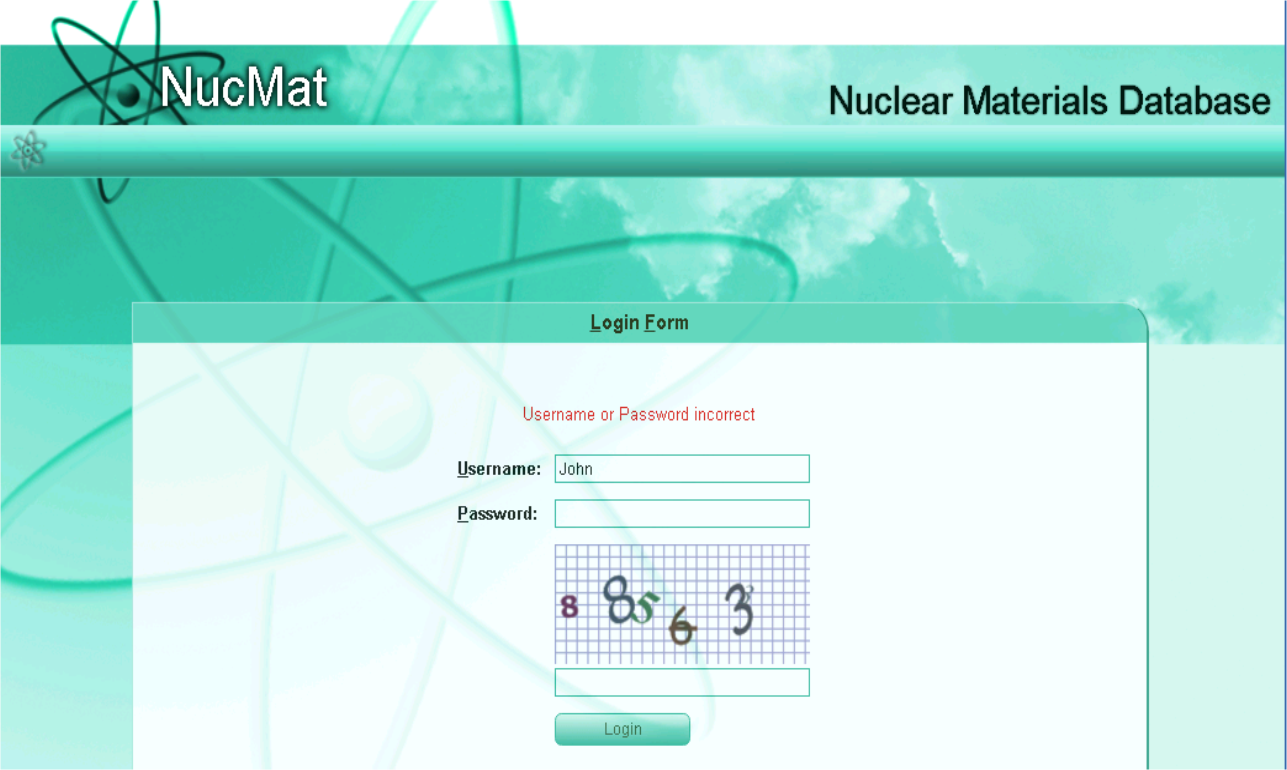
After 3 unsuccessful attempts of login top the NUCMAT systems recognizes it as a robot attack and blokes further automatic requests by requesting to fill in special character fields: