5.3. Create/update of the layout/structure of the Inventory KMP
In an inventory KMP, the user might create layout/structure of KMP. NUCMAT allows creating following layout/structural elements: Building, Room, Cabinet, and Box. For each inventory KMP, NUCMAT requires to have at least a Building. Other structural elements are optional and for the user’s convenience.
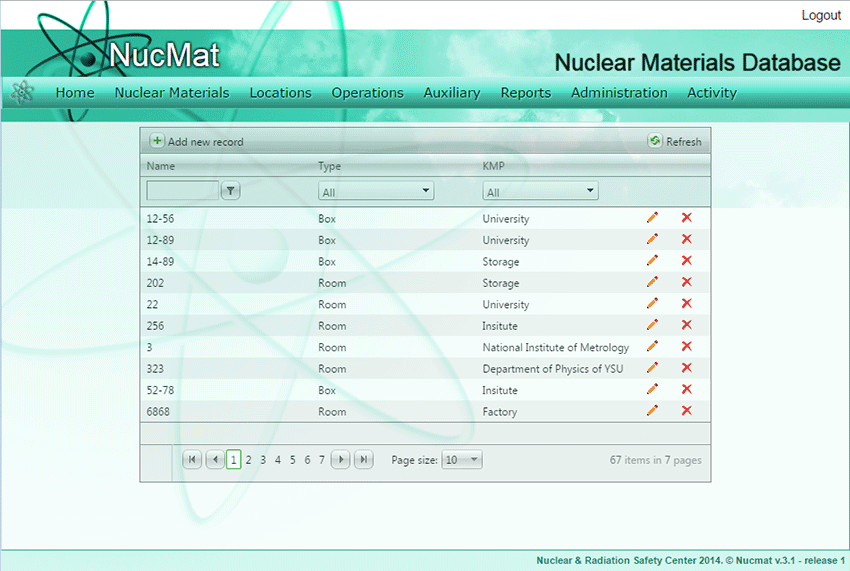
To create a new layout or to update parameters of the existing layout the user should use the Layouts command from the Locations submenu (see Fig. 5.1). As result, a new window opens up which shows the list of existing layouts (Building, Room, Cabinet, and Box) in NUCMAT (if any) and the Add new record command button (see Fig. 5.5).
Fig. 5.5. Layouts window
User has a possibility to filter/shorten list of layouts by selecting name and type of layout, as well as KMP to which layout belongs.