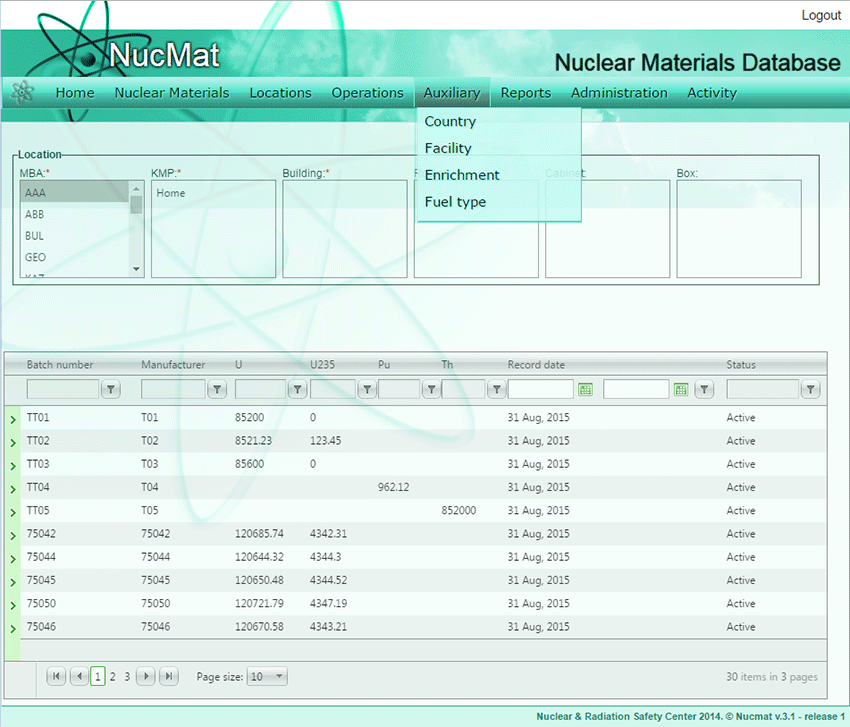
Except for the LOFs, each MBA is attached to a certain facility; therefore, the user has to create a facility to attach MBAs. This is done by clicking on the Facility command from the Auxiliary submenu (see Fig. 6.4).
Fig. 6.4. Auxiliary submenu
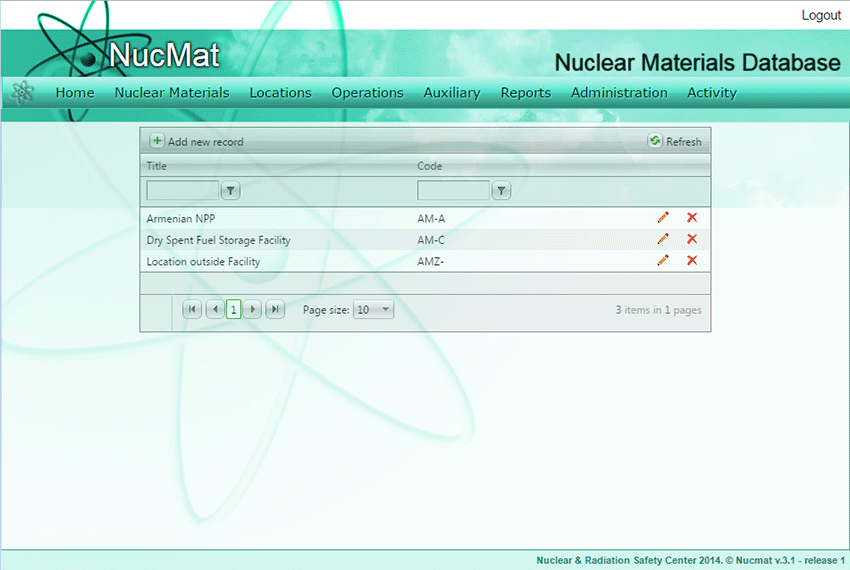
As a result, a new window opens which shows the list of facilities existing in NUCMAT (if any) and the Add new record command button (see Fig. 6.5).
Fig. 6.5. Auxiliary/Facility window
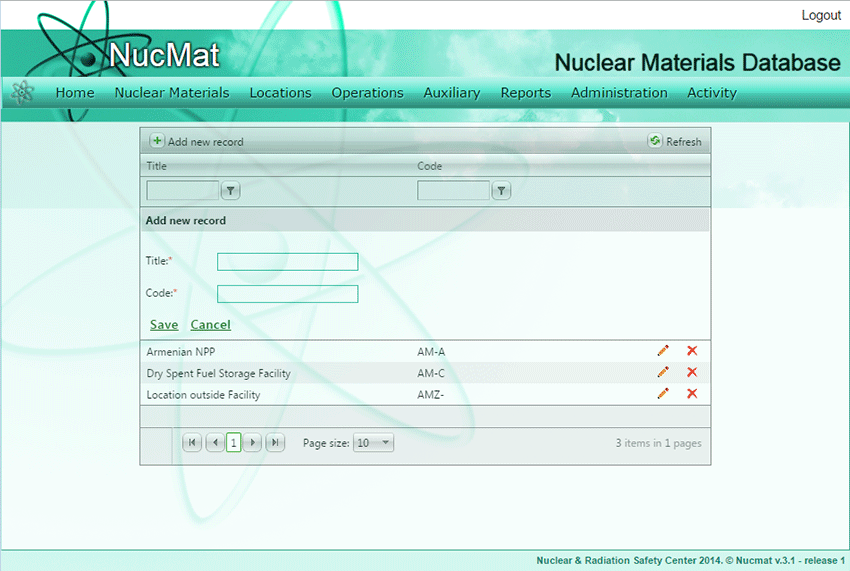
To create a new facility the user should click on the Add new record command button. As a result, a new window opens and requires the user to enter facility name and Facility Code specified in the Facility Attachment and click Save (see Fig. 6.6).