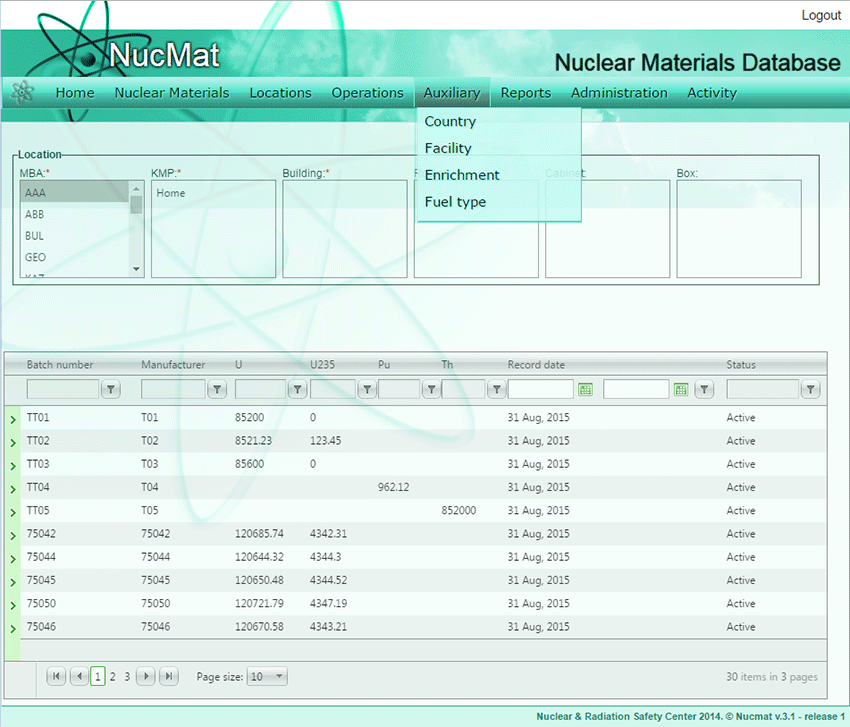
To specify parameters of nuclear materials with Physical form = “Fuel Elements”, the user has to specify the enrichment of nuclear material by 235U isotope. In NUCMAT the list of enrichments is given in auxiliary table – Enrichment. The table opens by clicking on the Enrichment command from the Auxiliary submenu(see Fig. 6.7).
Fig. 6.7. Auxiliary submenu
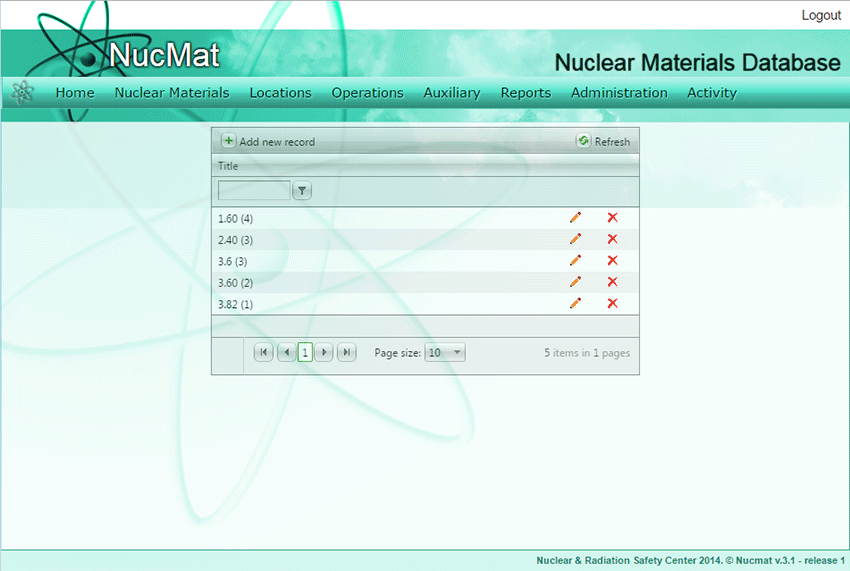
A new window opens up which shows the list of enrichments entered in NUCMAT (if any) and the Add new record command button (see Fig. 6.8).
Fig. 6.8. Adding enrichment of information
To create a new enrichment the user should click on the Add new record command button. In the new window the user has to enter nuclear material enrichment in a specific format (see Code 10) and click Save.