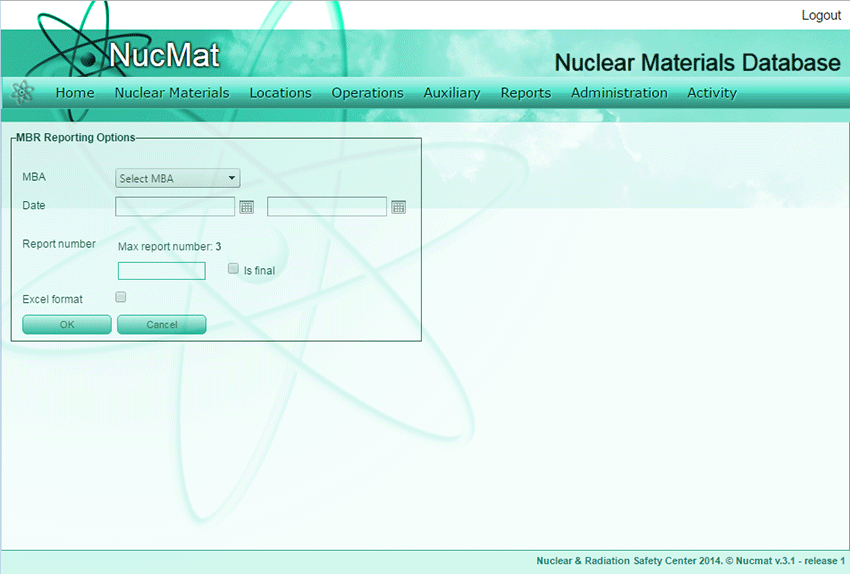
To generate MBR the user should use the MBR command from the Reports submenu (see Fig. 8.7).
Fig. 8.7. MBR generation window
Then the user should select MBA, material balance period for which MBR is generated. To generate MBR in excel format the user should check Excel format box then click on OK button. The material balance period should correspond to the Book Beginning and the Book Ending dates in the General Ledger of MBA for which MBR is generated.
NUCMAT allows the user to generate draft MBRs without specifying MBR numbers. If the user is confident that the generated MBR is correct and ready to submit to the Regulatory Body and/or the IAEA then he/she should check Final checkbox and provide with MBR number. For convenience of the user, NUCMAT reminds the last submitted MBR number.
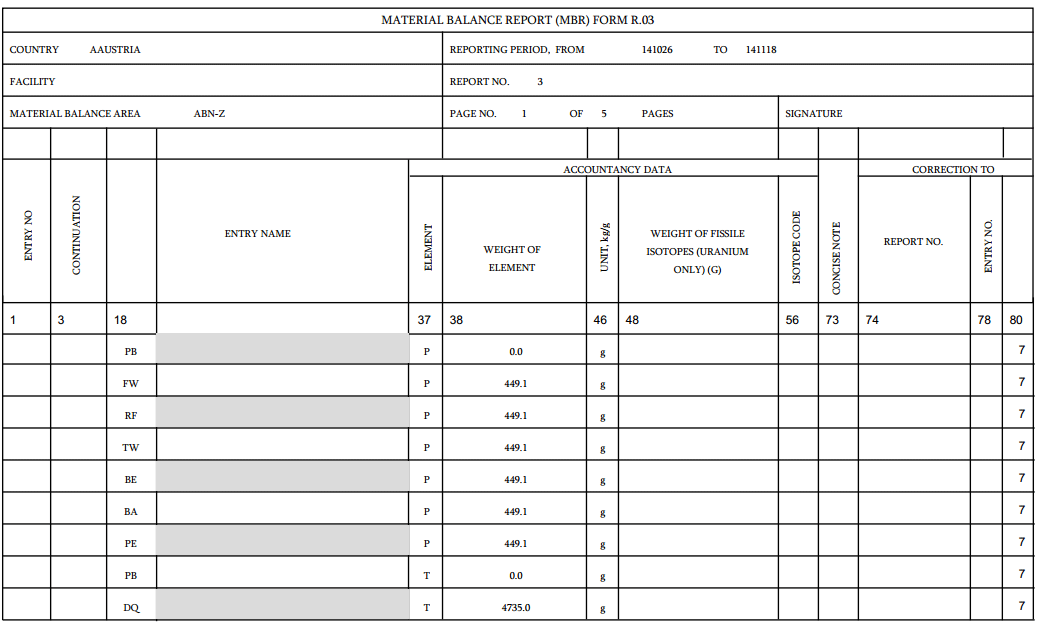
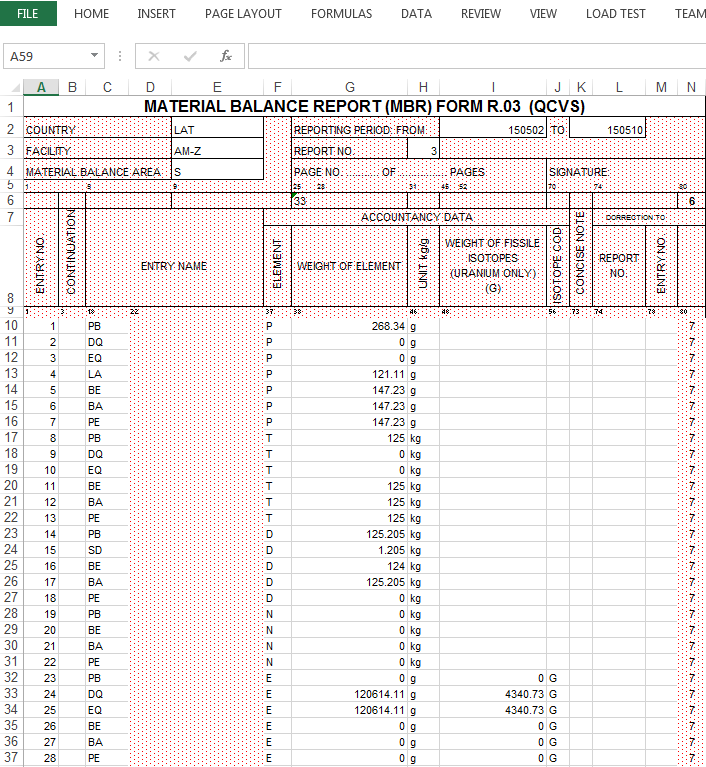
On Fig. 8.8-8.9, examples of MBR, generated by NUCMAT in pdf and excel formats are shown.